
MANAGE YOUR DATA TO IMPROVE YOUR PERFORMANCE
Manage your tests and races
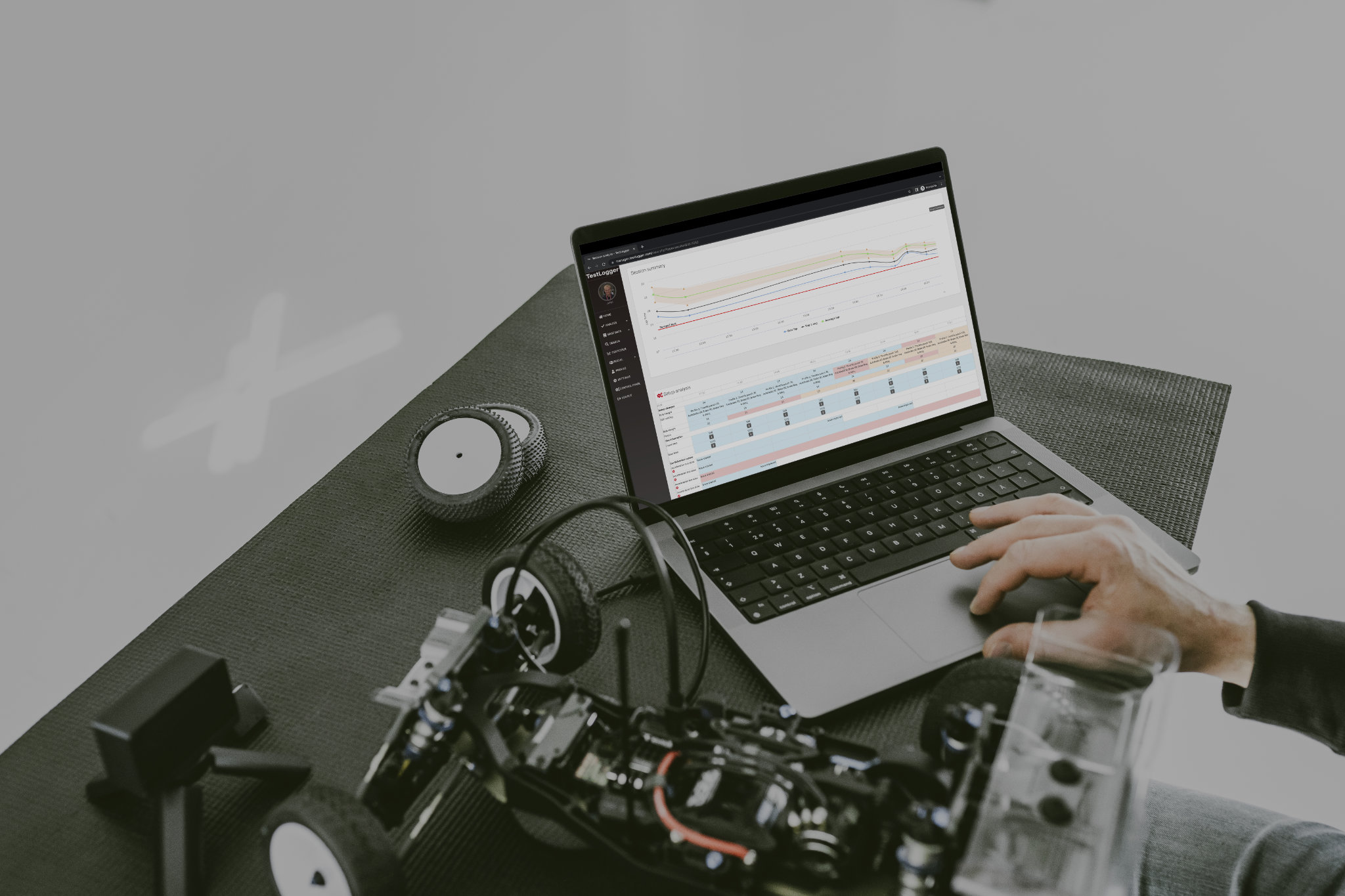
TestLogger Manager is designed to keep a record what you did, where and when. This data provides you statistics how are you doing.
TestLogger Manager can be used independently from other TestLogger tools but you get best results together with Collector and Analyzer.
Teams have TestLogger Manager Pro available with extended functionality for team management, lifecycle tracking and issue management
Features
Check out the possibilities of TestLogger Manager
Record run data
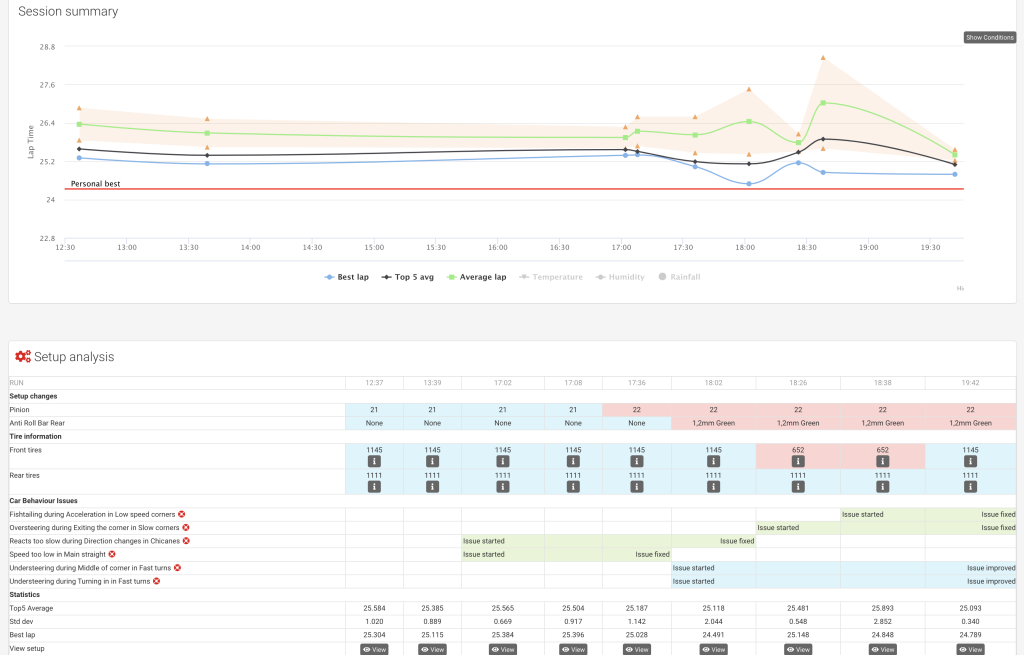
Take notes when, when and what every time you are driving. This includes for example lap times, setup, conditions, car behaviour and your comments.
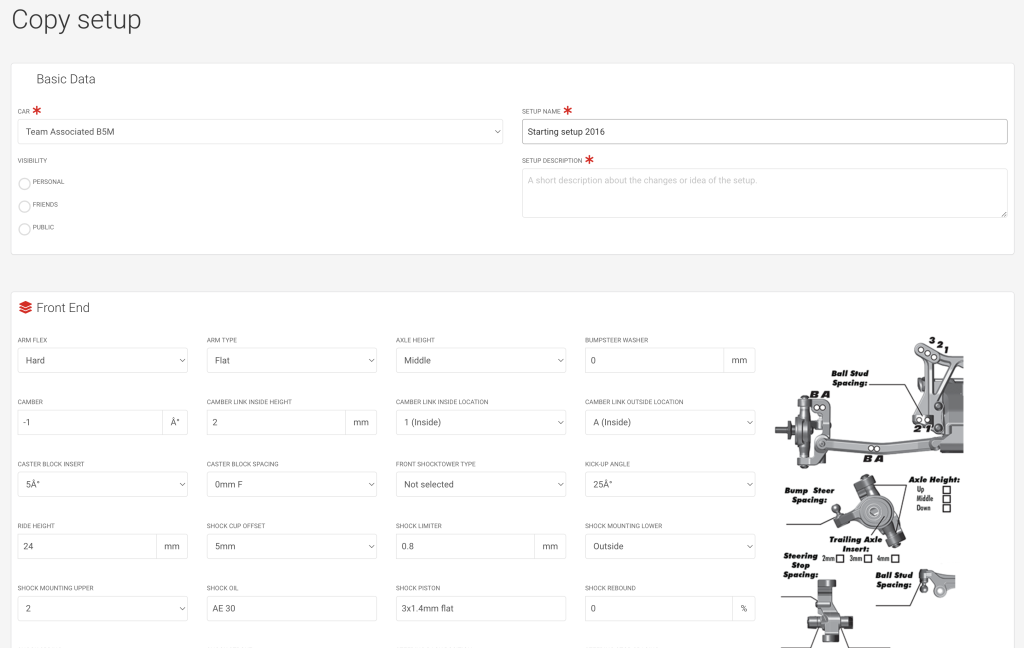
Setup management
Custom setup sheet possible for car models. Every change is stored and check setup evolution during one event or season.
Track library
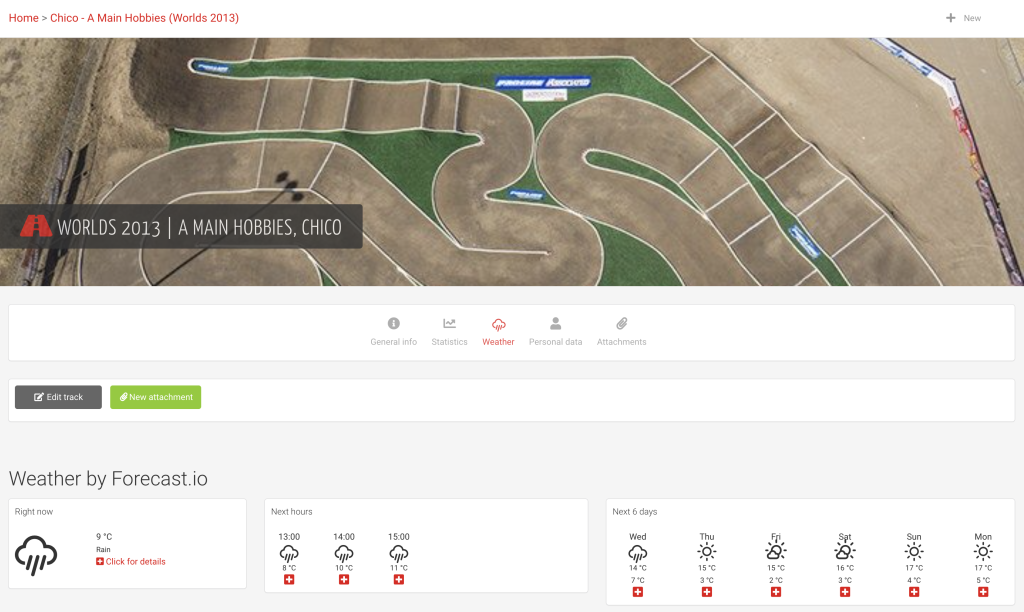
All tracks are shared with everyone and e.g. opening hours, track records and most popular tires for all users.
Compare with others
Share your sessions with friends and compare performance and setups when driving on the same track.
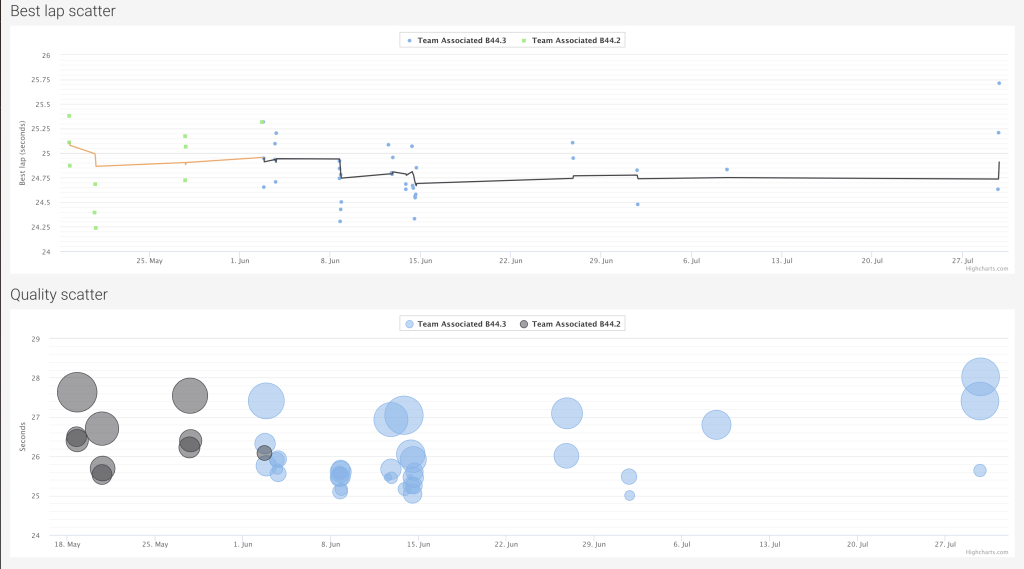
Long term statistics
Check your long-term trends for performance and quality from statistics generated from your lap times.
Change proposals
TestLogger Manager will collect changes and proposes a fix if you report issues for car handling.
Collector integration
Create runs and store data files to Manager from TestLogger Connector or open data files to TestLogger Analyzer from Manager.
Integrated to MyRCM
Import lap times from MyRCM during races.
Integrated to Speedhive
Import lap times from Speedhive Training.
Lifecyle trackingPRO
Track distance for individual parts in the car and set limits how long parts can be used.
Issue managementPRO
Generate issues from car prototype production, races or tests and process issues directly in the tool.
Role based authenticationPRO
Define role for each team member and control what data they access.
Isolated dataPRO
Your data will be stored on separate server and access is limited to your team members.
Report generationPRO
Generate test reports or race reports based on the recorded data.
Team racesPRO
When team has multiple racers in one event, you can compare and track their data in one view.
What about Manager Pro?
More functionality for professional teams
TestLogger Manager Pro is designed for teams to organise team operation.
Tool was developed in full scale motorsports and now RC teams have the possibility to take advantage of same functionalities.
Ask for a demo and pricing from info@testlogger.com
Pricing
Manager Community
Use the original TestLogger for free.
FREE!

How to get started?
Get started with free version or contacts us for more information